Learn Ockem Proof, one short lesson at a time.
Narrated lessons recorded from the real app, each one to four minutes, with captions and a full transcript. Five tracks, one per audience: start with yours.
For buyers and evaluators
Overview
What Ockem Proof does, one document start to finish, and what a certificate states.
 Running time 3:32Lesson 1
What Ockem Proof does
Accessible, certified PDFs, and the people and machine work that get you there.
 Running time 3:42Lesson 2
One document, start to finish
Upload a PDF, let Proof fix it, answer its questions, and certify it.
 Running time 4:05Lesson 3
Test Proof on your own PDF
Bring a PDF you actually publish, see what Proof finds in it, and fix it in the real workbench.
 Running time 3:45Lesson 4
The free assessment
Find every PDF on your website and see what it would take to fix them.
 Running time 4:03Lesson 5
What the machine fixes, and what needs a person
Why some accessibility questions need a human, and how Proof keeps them small.
 Running time 3:52Lesson 6
A certificate anyone can verify
What the certificate states, and how anyone can confirm it is genuine.
 Running time 3:20Lesson 7
How pricing works
You buy documents, and a document is used only when it is certified.
 Running time 3:18Lesson 8
Auto-Certified or Assured
When Ockem's experts complete the human steps for you.
For compliance leads and leadership
Stakeholders
Where your library stands, the WCAG scorecard, and the records an auditor asks for.
 Running time 4:05Lesson 1
Your compliance at a glance
Read the Home status band: the compliant share, then Failed, Needs review and Escalated.
 Running time 4:05Lesson 2
The corpus assessment
Where your library stands, and what it will take to finish.
 Running time 3:41Lesson 3
The WCAG scorecard
How your documents do against each WCAG success criterion.
 Running time 4:19Lesson 4
The evidence register
The record an auditor asks for: what was checked, by whom, against which file.
 Running time 3:50Lesson 5
The remediation ledger
Every change made to every document, and who made it.
 Running time 2:59Lesson 6
Sharing a frozen report
Generate a report that won't change under the person you send it to.
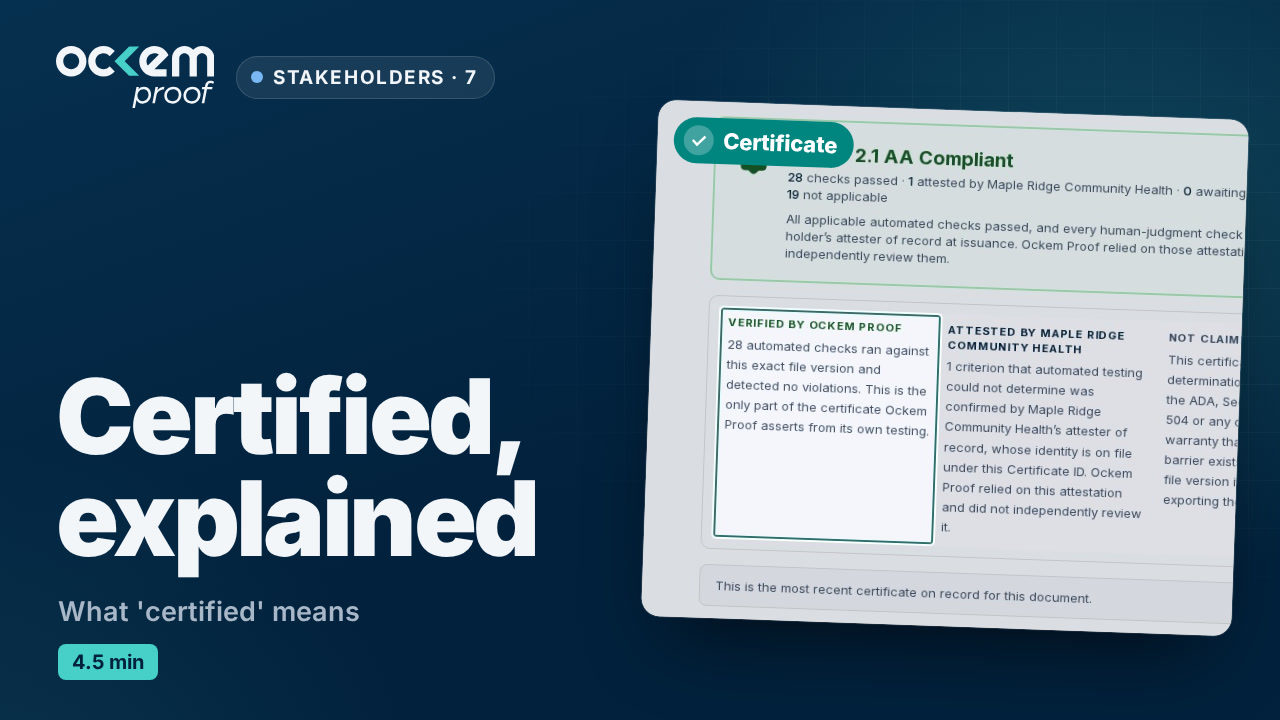 Running time 4:37Lesson 7
What 'certified' means
Compliant, Needs review, Failed — and who attests what on a certificate.
For people fixing documents
Remediators
Your first document, the automatic pass, each remediation step, and certifying.
 Running time 4:39Lesson 1.1
Your first document, start to finish
Upload, fix, answer, certify: the whole loop on one document.
 Running time 3:12Lesson 1.2
Finding your way around
Home, Library, Automate, Review, Reports and Downloads — what each is for.
 Running time 3:13Lesson 1.3
Adding documents
Upload PDFs, import by URL, upload a zip, or crawl a website.
 Running time 3:29Lesson 1.4
Reading a document's status
The steps, the WCAG report, and Compliant, Needs review and Failed.
 Running time 2:38Lesson 1.5
Your account
Password, two-factor sign-in, sessions and notifications.
 Running time 3:35Lesson 2.1
The automatic pass
What Proof fixes on its own, and what it hands to a person.
 Running time 3:58Lesson 2.2
Remediating in bulk
Start a remediation run across your library, and follow it to its results.
 Running time 2:09Lesson 2.3
Your Review queue
Where the decisions only a person can make wait for you.
 Running time 3:35Lesson 3.1
Describing pictures
Describe it, it's text, or skip it — starting from an AI-drafted description.
 Running time 3:03Lesson 3.2
Charts, diagrams and images of text
Long descriptions for complex images, and pictures that are really text.
 Running time 3:32Lesson 3.3
Making tables readable
Turn a grid that only looks like a table into a real one, with its header row and column.
 Running time 3:00Lesson 3.4
Tags and headings
Fix the outline a screen reader navigates by: heading levels that skip a step.
 Running time 5:57Lesson 3.5
The tag editor
Judge each tag against the page, fix the wrong ones and the words a screen reader says, and apply them as one version.
 Running time 3:25Lesson 3.6
Attesting reading order
Check that each page reads in the order a person would read it, fix it, and attest it.
 Running time 4:10Lesson 3.7
Checking color contrast
Decide which text and background colors pass, and fix the ones that don't.
 Running time 3:13Lesson 3.8
Scanned documents and readable text
When a page is a picture of text, and how Proof makes it readable.
 Running time 5:19Lesson 3.9
The last checks before certifying
The questions that wait in the Certify step, like what a screen reader announces for a form field.
 Running time 3:10Lesson 3.10
Fixing one rule from the WCAG report
Open the report, find a failing rule, and fix it from its own panel.
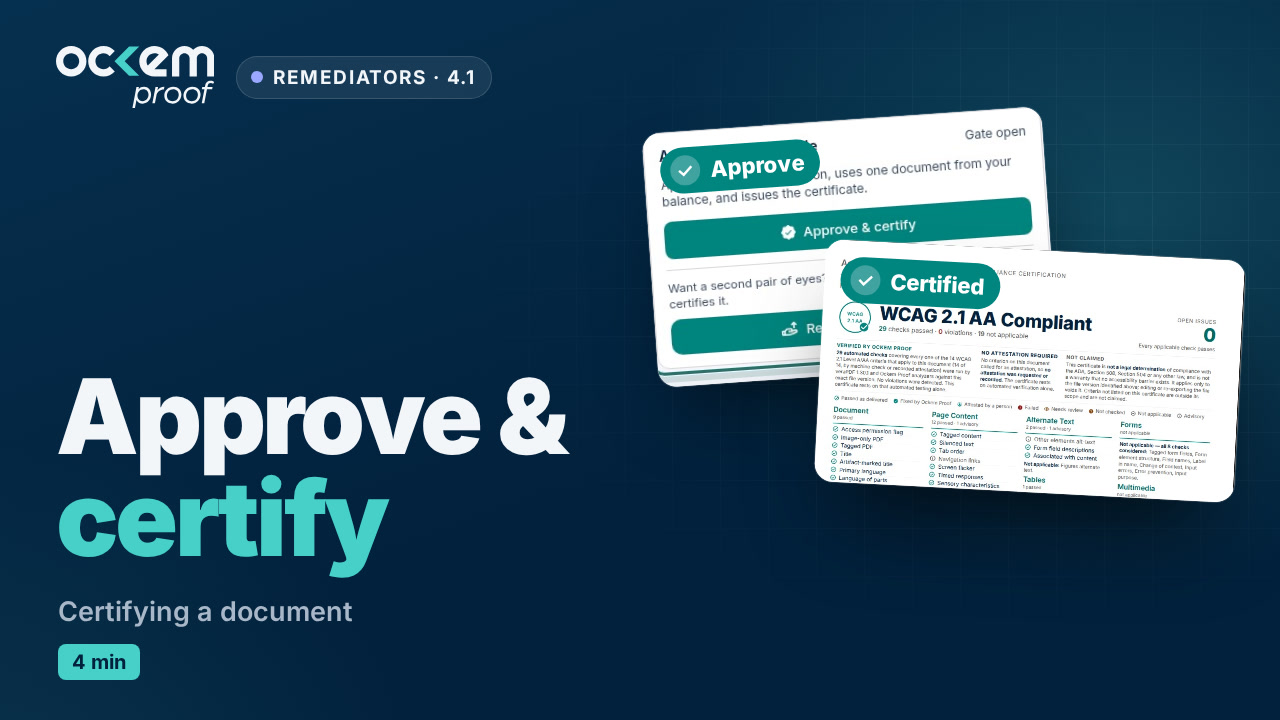 Running time 3:55Lesson 4.1
Certifying a document
The approval gate, the certificate, and when your balance is used.
 Running time 2:34Lesson 4.2
Downloading and sharing
Remediated PDFs, certificates, zip exports, and share links.
 Running time 2:57Lesson 4.3
When a document needs rebuilding
Park a document that can't be fixed in place, bring in the rebuilt file, and return it to the work.
 Running time 4:29Lesson 5.1
Projects and folders
Keep separate collections apart as projects, and group documents in folders.
 Running time 3:19Lesson 5.2
Keeping up with your website
Check a folder against your website, and bring a changed file in as a new version.
 Running time 3:24Lesson 5.3
Exporting many documents
A whole folder as one zip, what is left out and why, and spreadsheet exports.
 Running time 4:32Lesson 6.1
How a review session works
The session screen every Review lane shares: keys, flags, Undo, AI pre-reads, and what an attestation records.
 Running time 3:15Lesson 6.2
Reading order, many documents
Walk the flagged pages of many documents, redraw what reads wrong, and save each document as one version.
 Running time 2:38Lesson 6.3
Images of text
Tell a logo from a paragraph saved as a picture, attest the document, or flag the one that fails.
 Running time 2:41Lesson 6.4
Alt text drafts
Describe it, it's text, or skip it: answer Proof's drafts and apply them as one version.
 Running time 2:43Lesson 6.5
Readable text
Judge garbled text: not material, repair it here, or flag it for a fix at the source.
 Running time 2:46Lesson 6.6
Language of parts
Walk each passage in another language and confirm it is marked or exempt.
 Running time 2:03Lesson 6.7
Sensory characteristics
Find instructions that rely on shape, color or position alone, and attest or flag them.
 Running time 2:57Lesson 6.8
Focus visible
Tab through a form in a reader, name its fields, and attest that focus is visible.
For people who assign and approve work
Team leads
Assigning documents, reviewing and approving, and following the team’s progress.
 Running time 2:29Lesson 1
Assigning work
Assign documents to people, with a note and a due date.
 Running time 2:32Lesson 2
Reviewing and approving
Check a colleague's work, send it back with a reason, or approve it.
 Running time 2:30Lesson 3
Following your team's progress
Who has how much, what is overdue, and what each person certified.
For organization owners
Administrators
Your organization, users and roles, teams, workflow, automation policy and security.
 Running time 3:58Lesson 1
Setting up your organization
Name, logo on your certificates, brand colors and time zone.
 Running time 4:01Lesson 2
Inviting users and choosing roles
Invite people and give each the right role.
 Running time 2:50Lesson 3
Teams and document access
Group people into teams, and limit a library to the teams it belongs to.
 Running time 3:33Lesson 4
Workflow and review gates
Route documents automatically and require a second pair of eyes.
 Running time 2:52Lesson 5
Automation policy
Decide which work Proof does automatically and which waits for a person.
 Running time 3:57Lesson 6
Security settings
Two-factor sign-in, sessions, and sign-in options for your organization.
 Running time 2:37Lesson 7
The activity log
Who did what, and when, across your organization.
 Running time 3:23Lesson 8
Plan, usage and balance
Your plan, your document balance, receipts and activity.
 Running time 3:41Lesson 9
Watching your website's PDFs
See which documents changed on your website and which still need publishing.
 Running time 2:30Lesson 10
Webhooks: hear when work finishes
Let your own systems hear when documents are assigned, certified or sent back.
Read
The written guides.
What the rules require of PDFs, what fixing them costs, and how to prove it’s done. Plain language, with the arithmetic shown.
ADA Title II PDF requirements: what's exempt and what changed in 2026
The April 2026 rule moved the deadlines by a year and left the requirements alone. Here is what your PDFs must meet, which ones are exempt, and how to size and plan the work.
How-toAccessible PDF forms: how to make a fillable form screen readers can use
Forms are how residents apply for permits, licenses and services, so they are the PDFs most worth fixing first. Here is what each field needs, how to set it in Acrobat Pro, and how to test it with a free screen reader.
MethodAlt text for complex images: charts, maps and diagrams in PDFs, and where AI helps
A short alt names the picture and its point. A long description carries what it shows. Full examples for a budget chart, two kinds of map, an org chart, a flowchart and an infographic, plus what AI drafting gets right and wrong.
Then try it on one of your own PDFs.
Free, no account: a verified email, one document per email, up to 10 pages and 50 MB. Get the remediated file and its verification record, and see which checks still need a person.
Longer document? Request an assessment.